Learn Nix on a real Linux VM: LabCraft is open in public beta
LabCraft is free during the public beta. Start the Nix course in your browser, work on a real machine, and learn by fixing the failures Nix beginners commonly hit.
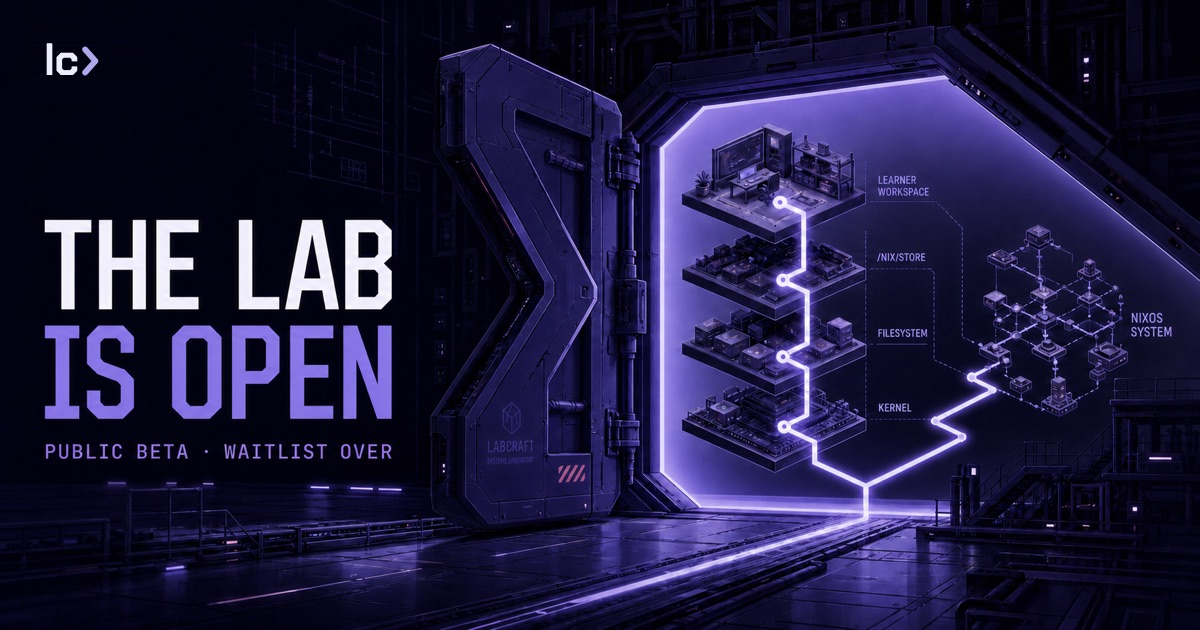
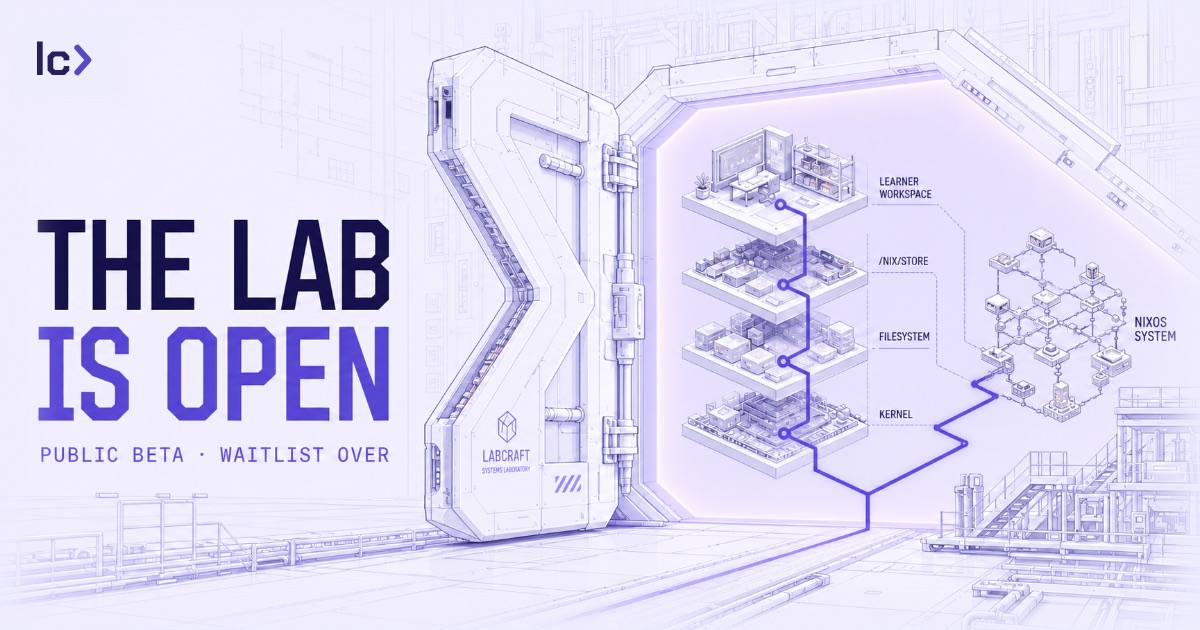
You write a script, it runs perfectly on your machine, and it breaks the moment someone else runs it because it quietly borrowed a tool from your system that theirs doesn't have. Nix gives you the tools to declare those dependencies and expose the ones you missed. Getting to the point where you understand how is the hard part.
LabCraft is now open to everyone. There is no waitlist, and all Nix content is free during the public beta. If you've wanted to learn Nix but bounced off the installation, the terse errors, or tutorials that assume a model you don't have yet, this is built for you.
Start the Nix course. GitHub, Google, or a magic link to your inbox — pick your way in.
Learn Nix by using it
LabCraft gives you a real Linux VM with its own kernel, in your browser. You don't install anything or set up a local environment. You open the lab and work through the course in a real terminal.
In Nix First Contact, you will:
- install Nix and inspect exactly what it adds to the machine;
- use packages in temporary environments without adding them to the host environment;
- search nixpkgs and find the package behind a command;
- write a script that declares its own dependencies; and
- uninstall Nix cleanly and prove its system state is gone.
Take that dependency step. You'll run a script that only works because it borrows a tool from the host, watch it fail in a clean environment, and fix it by declaring what it actually needs. That is the difference between "works on my machine" and a dependency-declared script. That's the method, not an accident: many chapters put a failure in your path on purpose, so you hit it, understand it, repair it, and prove the fix.
The course checks what actually happened on the VM, not whether you typed one expected command. There's usually more than one right way, and nothing important is at risk, so you experiment and build the judgment to read what the system is telling you, instead of copying commands and hoping.
Start with Nix. Continue into NixOS.
First Contact is the start of a broader Nix and NixOS path: declarative dev environments, packaging, flakes, NixOS configuration, modules and services, and system recovery. The course map shows how those topics connect and which Parts are available today, so you always know where you are and what's next.
Help us build the course you want
Public beta means it's ready to use and still early enough that your feedback changes it. Tell us where an explanation loses you, where a correct command gets stuck, and which Nix or NixOS topic you want next.
Try LabCraft for free. When you finish First Contact, tell us what clicked and where you got stuck.