Why is a Nix rollback just a symlink flip?
Profiles and Generations, the fourth free Part of LabCraft's Nix course, is now available. Remove a tool, restore it by switching generations, and prove why wiping history still leaves its store path on disk.
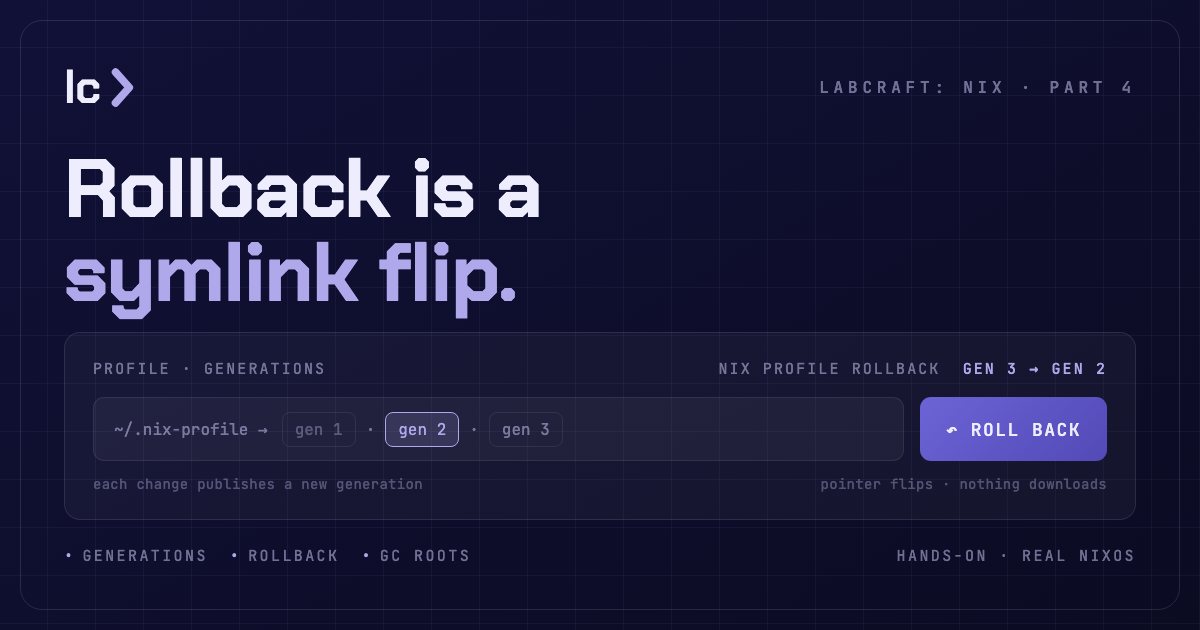
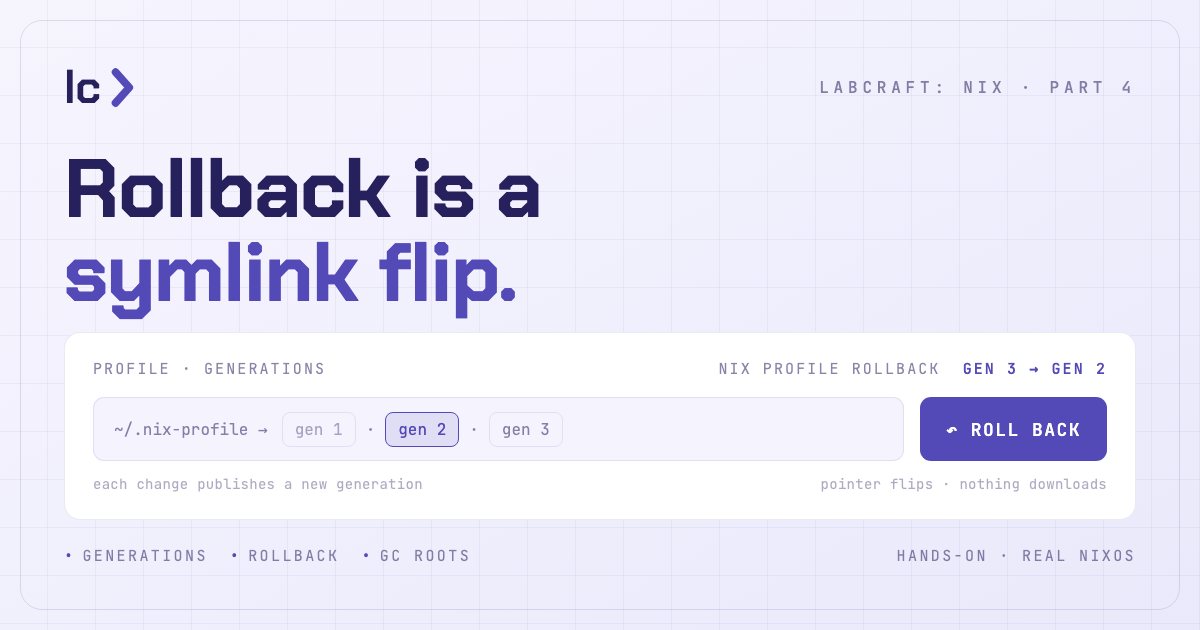
You remove a tool from your Nix profile. The shell can no longer find it. One rollback later it's back — with nothing downloaded and nothing rebuilt.
That works because Nix doesn't install the way apt or brew do. Those change
a global set of software in place. Nix instead adds new store paths, publishes a
numbered snapshot of your profile — a generation — and moves one symlink to
point at it. Removing the tool published another generation; the rollback just
pointed the symlink back at the one where the tool still lived. That snapshot
was never touched, so there was nothing to fetch.
Profiles and Generations is the new free Part of LabCraft's Nix course. Across five hands-on labs you install and remove tools, recover a broken environment by switching generations, diff two generations by their closure, and decide which rollback targets are worth keeping and which history to retire.
A profile is a pointer, not a pile
A Nix profile is your own set of installed packages — but it is not a directory
Nix copies files into. It is a symlink on your PATH pointing at one
generation: an immutable, numbered snapshot of what's installed. Install a
package and Nix builds a new generation beside the old one and repoints the
link; remove one and it builds another. An install leaves existing store paths
and generations unchanged — the chain only grows, until you delete generations
yourself.
Undo is not a reversal
Rolling back never reconstructs the old state and never re-downloads. It flips the profile symlink to a generation that was never disturbed — instant, offline, and exact. Roll forward and you're back where you were. The lab has you remove a tool, prove the shell can't find it, then bring it back with a single generation switch and no network — the move from the top of this post, done with your own hands.
Wiping history is not freeing disk
There is a cost hidden in that safety, and it is the judgment this Part leaves you with. Every generation link is a garbage-collection root, and a root keeps its whole closure on disk. Wiping a profile's history drops the links — but it frees nothing until no root anywhere still reaches those paths and a collection runs. "I deleted the old generations" and "I reclaimed the disk" are different statements, and confusing them is how a Nix machine fills up while you're sure you cleaned it.
Why this became Part 4
Store Paths taught you to name a path. Closures taught you to treat a path plus everything it needs as one unit. Profiles and Generations is where those units get installed, undone, and retired — the operational layer on top of the model.
It runs on a real NixOS machine, because your user profile there is an ordinary
Nix profile you drive by hand, and the same generation-and-rollback machinery is
what NixOS later applies to the whole operating system. You don't write a line
of the Nix language; you run real nix profile commands and read what changed.
Start the Nix course. Predict how many generations a run of installs makes, and where a rollback lands, before the machine shows you the answer.